
App Status
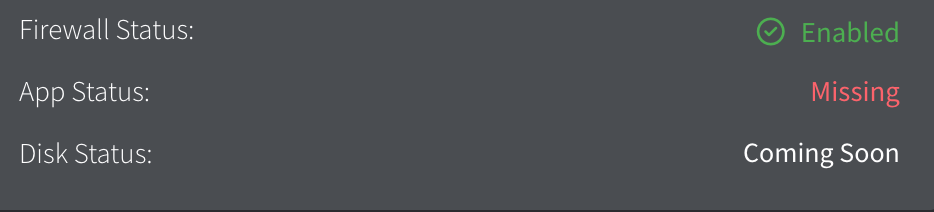
I feel like this is a silly question but I can't figure out why some of my assests show "missing" app status when the policy is pushed and they have winget installed. I get an erorr running any install on the popup. Am I doing something wrong?
Solution
It means that you have certain apps in your App Management policy that are set to âInstall and Updateâ but they havenât installed for some reason.
Click on âMissingâ and it should show you.
Click on âMissingâ and it should show you.
